Press Start to Meet the Developer: Why Options Screens Are a Studio's Confession Letter
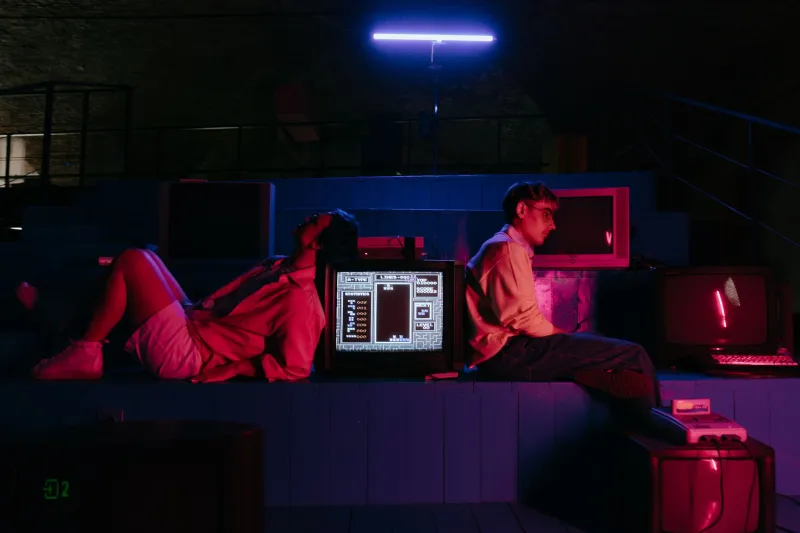
Nobody puts options screens on the box. Nobody screenshots them for the Steam page. And yet, the moment a game boots up and hands you a blinking cursor over 'START,' it's already told you who it is.
I'm here to make the unfashionable argument that the title screen, the pause menu, and the settings interface are the most honest art a studio ever makes. Trailers are marketing. Cutscenes are performance. But a menu? A menu is a developer talking to you directly, with no budget line item and no focus group. It's the confession letter you find in the drawer.
The CRT Calibration Era: When Menus Had Jobs
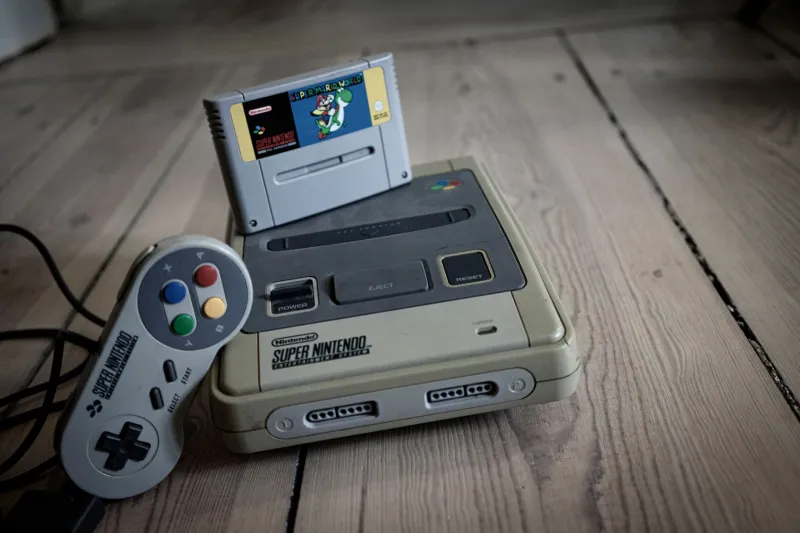
Old-school options screens had a seriousness of purpose modern menus would find embarrassing. Boot up a game from the NES or SNES era and you might find yourself calibrating something — sound balance, screen position, the ever-mysterious 'STEREO / MONO' toggle.
These menus weren't decoration. They were tools for a world of tube televisions and living room compromises, where every household's setup was different and the game had to meet you where your TV was. There's a reason a whole generation gets misty-eyed over a purple gradient background and a chunky font: that menu is the sound of a console warming up, the smell of a carpet, the negotiation over who plays first.
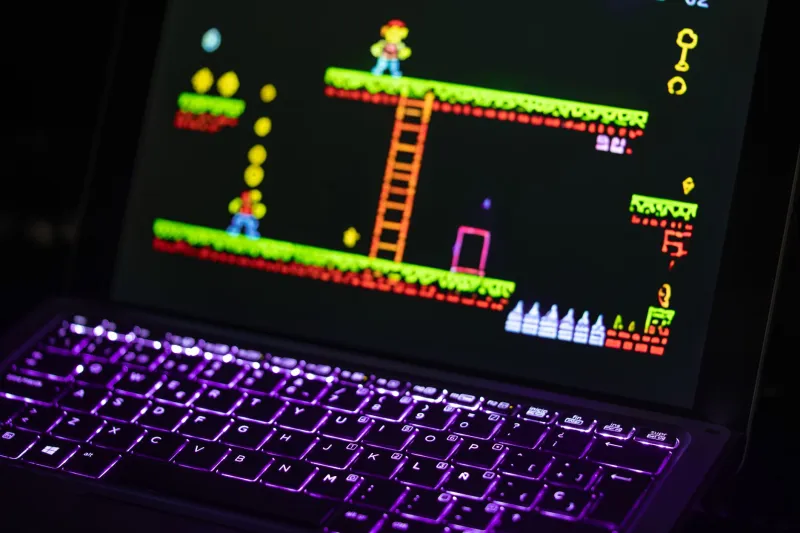
The pixel art in those screens is doing quiet, disciplined work. Limited palette, careful kerning, a cursor that moves like it means it. It's art under constraint, which is to say: it's real art.
Modern Menus That Bite Back
Then the indie scene got hold of the form, and things got weird in the best way.
Menus stopped being neutral territory. They became jokes, threats, characters. Options screens that argue with you. Pause menus that get bored if you leave them too long. Settings toggles with flavor text like a grumpy NPC. Volume sliders that make a different, increasingly rude sound at every notch.
This self-aware menu humor is more than a bit. It's a signal. When a studio spends time making the 'SCREEN SHAKE: ON/OFF' toggle funny, they're telling you something: we obsess over the parts you weren't supposed to notice. That energy bleeds into everything else they make. A studio that cares about the menu cares about the third room in the dungeon that most players will sprint through. That's the studio you want to buy from.
What Your Options Screen Says About You
Think of the options screen as a personality test for developers. Some rough categories I've compiled from a lifetime of idling on title screens:
- The Archivist: Every setting imaginable, including three you've never heard of. This studio respects your weird TV setup and your weird brain.
- The Auteur: Four options. Volume, brightness, done. The game is the game. Confident. Occasionally infuriating.
- The Comedian: Every toggle has a punchline. You will read every single one, and they know it.
- The Storyteller: The menu itself changes as you play — options unlock, fonts glitch, the music decays. The interface is part of the narrative whether you consented or not.
- The Ghost: Default Unity menu, no customization. Make of that what you will.
The Case for Slowing Down
Here's my modest proposal: the next time you boot up a game — especially an indie one — sit on the options screen for five minutes. Read every line. Toggle the screen shake both ways. Listen to what the cursor sounds like.
You'll learn more about the people who made the game in those five minutes than in an hour of playtime. The menu is where the studio isn't performing for reviewers or chasing a trend. It's the hallway light left on. It's where the pixel art gets to be personal.
Great games get remembered. But great menus? Great menus get missed — and that's exactly why they deserve a little more love. Press start. But first, read the fine print.